

Jane Smith
Founder & designer
Design studio
Willow & Finch Studio
Thoughtful identities for ideas with room to grow.
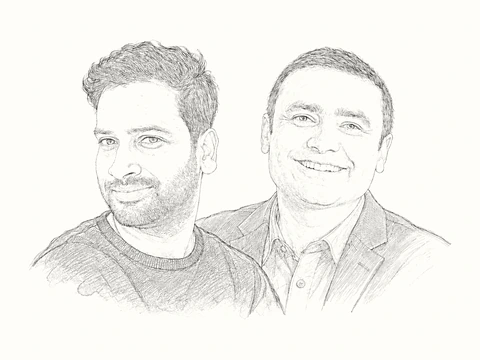
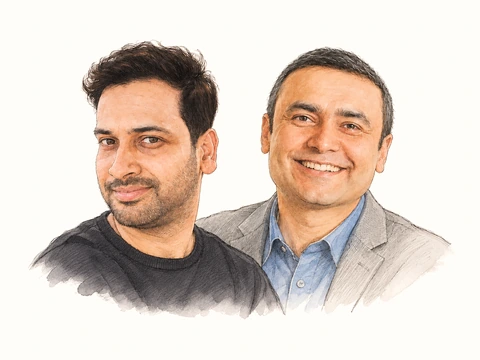
Hi, we’re Rohan and Kamal, founders of HereNook. We’re the two real people behind every Nook. No support bot here: you write, and one of us writes back.
We reply within one working day.
You build it from Nooklets: booking, a guided chat, your menu, reviews, your latest posts. People open it on any phone, with nothing to download. Share it with one link or a QR.
One free page. One free QR. No ads.
New here? Watch a short film firstPick the Nooklets that do your work.
The same pieces make a different app for every kind of work.
A link page sends people away.
A Nook keeps them with you.
| When someone wants to | A link page | A Nook |
|---|---|---|
| Book you | Sends them to another app | They book right on your Nook |
| Ask a question | Sends them to your DMs | A Guided Chat walks them through it, and the answer lands in your Inbox |
| Check you’re any good | Hopes they find your reviews | Your Google and verified reviews, right there |
| See your latest work | Links to your profile | Your top posts, kept up to date for you |
| Watch your videos | Sends them off to YouTube | Your latest YouTube videos play on your Nook |
| Order something | Sends them to another store | They order on your Nook and pick it up |
| See your menu | Opens a PDF from last year | Your menu, current, changing with the time of day |
| Catch a special | You go back and edit a link | An offer, coupon or stamp card that shows and hides itself |
| Hear your news | Hopes they saw your story | An announcement that stays up until you take it down |
| Read your tips | Links to a blog nobody finds | Your articles, each on its own page |
| Find your place | Copies an address into Maps | Your map, hours and directions, right there |
| Find you on Google | It’s one more link nobody searches for | Your Nook can show up in search |
People pick a time and book it there and then, whenever suits them. It lands in your HereNook calendar, with their details and your next appointment ready to go.
Your work is already out there.
Help people take the next step.
What you offer, where you work and how to book. Put the answers on one page, before the messages start.
Connect your accounts once. Your most-viewed posts from the last 90 days show on your Nook and refresh every 6 hours. Tap one and it opens where you posted it.
YouTube is live now. Instagram, Facebook and TikTok are coming soon. See the real feeds
Add a photo and a weekend special. Set the times once, and your Nook shows what’s on while you get on with the day.
Guests see the current menu and how to find you. When the weekend ends, the special quietly comes off the page.
Add an Offer and guests can claim it on their phone. Photo added
In a message, a social bio or a group chat.
Give people somewhere to send their friends.
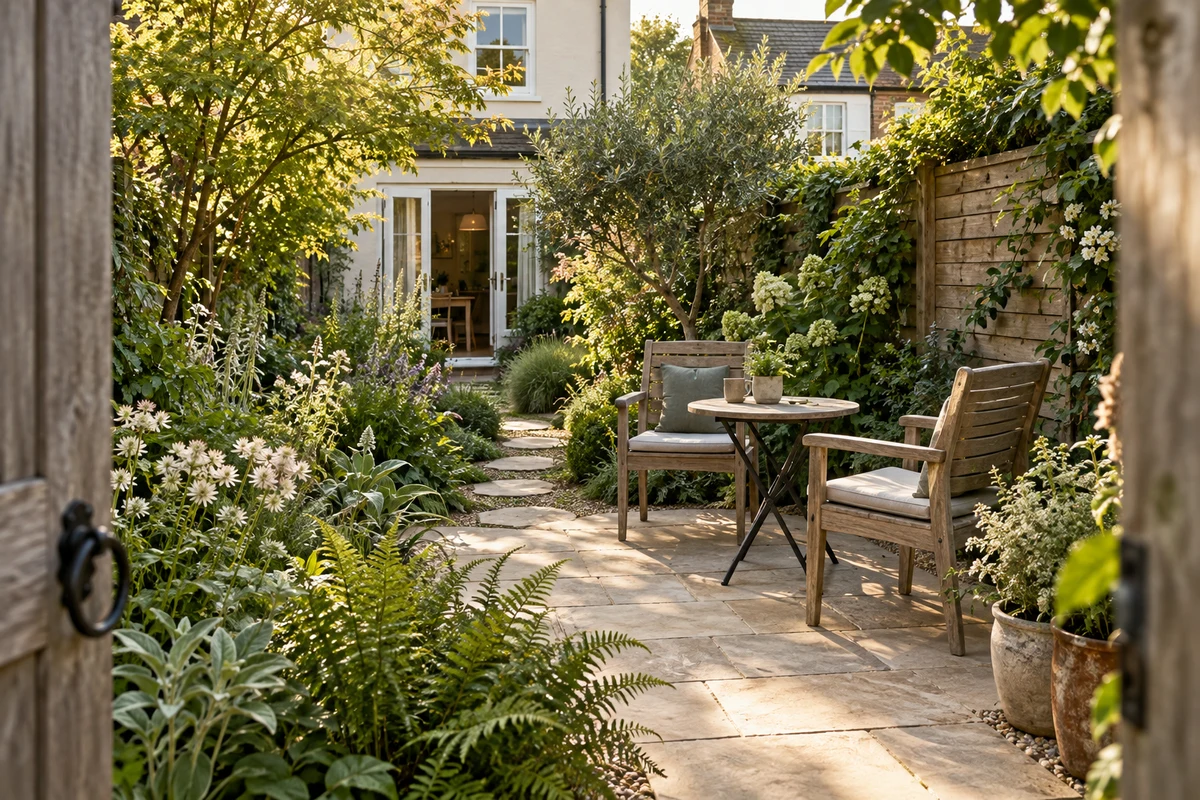
A neighbour shares your Nook. Someone sees that you work on gardens like theirs and messages you on WhatsApp, the app they already use.
See what people tap on your Nook.
Know what deserves the top spot.
People stop on his photos. His Nook shows the camera, boots and kit behind each shot.
People can browse his picks and shop where they already shop. Alex sees which links they open in his HereNook account.
Someone notices your work.
Make it easy to find the person behind it.
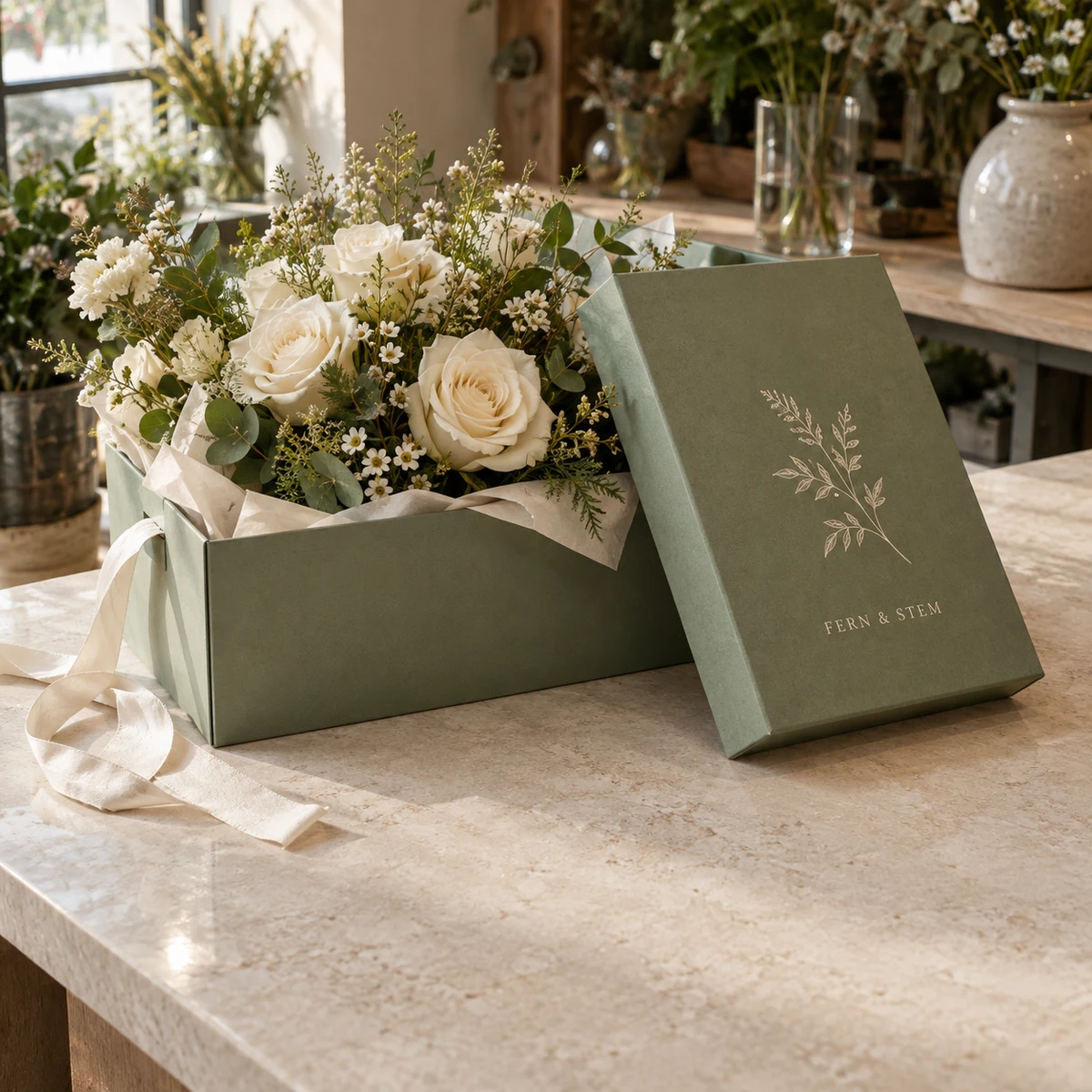
Someone admires your packaging at a flower shop and scans the code. Your Nook shows them more of your work and gives them a way to ask about their own project.
Pick any. We’ll tell you which plan does it.
Nothing picked yet.
For getting your first Nook out there.
For a business that’s up and running.
Everything we make, in one plan.
* We charge once to set it up. You buy the domain yourself, in your own name, from a registrar such as Cloudflare, GoDaddy or HostGator.
The Essentials Plus includes Booking, the feeds, and Offers, Coupons and Stamp Cards. Ask us to turn one on.
A Nook is your own little web app. You build it from Nooklets: booking, a guided chat, your menu, reviews, your latest posts. People open it on any phone, with nothing to download, and you share it with one link or a QR. Many businesses won’t need a website as well. If you already have one, put it on your Nook as a link.
Anyone can make a Nook. Most are made by people who run their own business: coaches, bakers, realtors, trades and shops. If people need to find you, book you or ask you something, a Nook does that work for you.
Nooklets are the parts you add to a Nook, like Services, a Menu, a Gallery or Booking. On Free, About is always there and doesn’t count. You add up to 3 more links or Nooklets, picked from Services, Products and Gallery. The Essentials adds the rest, including Video and audio, Downloads, a message form and Guided chat. Explore Nooklets.
Yes. You need one to build and publish a Nook. Sign in with Google, or with a code we email you, and start building straight away.
Yes. Free gives you one published Nook with About and 3 more links or Nooklets, unlimited socials, a QR you can design and download, a contact card visitors can save, visit and scan insights, and no ads. Every plan is one Nook. The Essentials adds every standard Nooklet, the Inbox, Apple Wallet and Nooklet insights. Prices aren’t on the site yet, so write to us about a paid plan.
No. A HereNook QR always opens your Nook. If you want people to reach your website too, add it to your Nook as a link.
Right away where you are, and within about 30 seconds everywhere else. If our team makes a change for you, allow up to a minute and a half. If a friend still sees the old version, it catches up on its own, so there’s nothing to do.
Yes. Pick your colours, a cover photo and fonts, and put your logo or photo in the header. For the QR, you choose its colours, a caption and a frame. The middle of the QR shows the HereNook mark, or you can leave it plain.
Yes. In the Spacious layout you can split your Nook into up to 10 pages, shown as tabs at the top. Or keep it all on one page. There’s also Compact, which keeps everything close together for quick reading on a phone, and visitors can switch between the two.
Yes. Pick an available name and share your Nook as yourname.gonook.io or gonook.io/yourname. Both open the same page. Every plan includes one name, and names follow our naming policy.
Not yet. We plan to add it to The Essentials Plus. For now, every Nook lives on gonook.io.
PNG, JPEG or WebP at 1024, 2048 or 4096 pixels, or a scalable SVG or vector PDF. Each one comes as the QR on its own, an A6 packaging insert or an A5 counter card. We check that the file scans before you download it.
Print the file you downloaded, not a screenshot of the preview. Keep strong contrast and leave clear space around the code. Then print one at the size you’ll really use and scan it with a couple of phones from where people will stand.
Yes. They’re three separate Nooklets: a short-term offer, a coupon for one customer, and a loyalty card your staff stamp. Customers claim them on their phone and your staff check them at the counter. Each is an add-on, so contact support and we turn it on for you.
Yes, as often as you like. The QR opens your Nook’s address, so people always see the latest version and you never need to reprint. The one thing to avoid is changing or removing a named address that’s already on something printed.
No. It keeps working for as long as your Nook is published. If you unpublish or delete the Nook, or remove the named address the QR was made with, it stops working.
No. Your Nook opens in any phone browser, and most phone cameras can scan the QR. Visitors don’t need an account, even to book or send you a message.
No ads, on any plan. Every Nook shows a small HereNook mark in the top corner and a “Crafted with HereNook” line at the bottom. Taking those off (white label) comes with The Essentials Plus or a custom Nook. It is an additional monthly charge.
Visitors can save your contact details as a contact card, with a link back to your Nook. That works on Free. On The Essentials you can also add your Nook to Apple Wallet, so your QR is ready when you meet someone.
Free shows Nook visits and QR scans over time, and where visitors came from, like Instagram, search or a QR. The Essentials adds Nooklet insights: what people open, tap, download and play. Visitor numbers are estimates. Insights don’t identify anyone, and they can’t prove a booking or a sale.
One free page. One free QR. No ads.


 Booking1
 Guided chat2
 Reviews3
 Services
 Gallery
 Service area
 Products
 Social feed
 YouTube feed
 Video4
 Contact
 Menu

 Offers
 News
 Articles
 48k
 12k
 3.1k
 9.4k
 860
 22k
 5.7k
 1.2k
 48k
 8.2k
 120k
 4.4k
 38k
 9.9k
 1.1k
 61k
 7.3k
 2.8k
 120k
 2.4k
 640
 5.1k
 910
 3.3k
 1.8k
 420
 7.6k
 2.4k