Tell it about your business.
It builds your Nook.
Tell Claude or ChatGPT about a business and it builds the Nook with you. It asks a few questions, looks the business up, checks what it found with you, then sets up the page, shows you a preview in the chat and publishes it only when you say so. Later, ask it to change your hours, add a service or post a holiday notice, and it does that too.
Connect itWatch it being doneThe HereNook plugin.
It knows the steps.
The plugin connects Claude to your HereNook account and adds step-by-step skills for setting up, changing, checking and handing over Nooks. You ask in your own words.
 One chat. Ask in your own words.EXAMPLES
YOUSet up a Nook for Willow Bend Pottery in Mission, BC. They sell hand-thrown mugs and run weekend classes.
- Asked a few questions and looked the pottery up
- Checked what it found with you
- Built the page: About, classes with prices, a gallery and booking
Willow Bend Pottery
A preview arrives right in the chat. Nothing is public until you say so.
The HereNook app.
The same help, in ChatGPT.
Add HereNook in ChatGPT and build in the chat you already use. Attach a photo or a PDF and it goes straight onto your Nook.
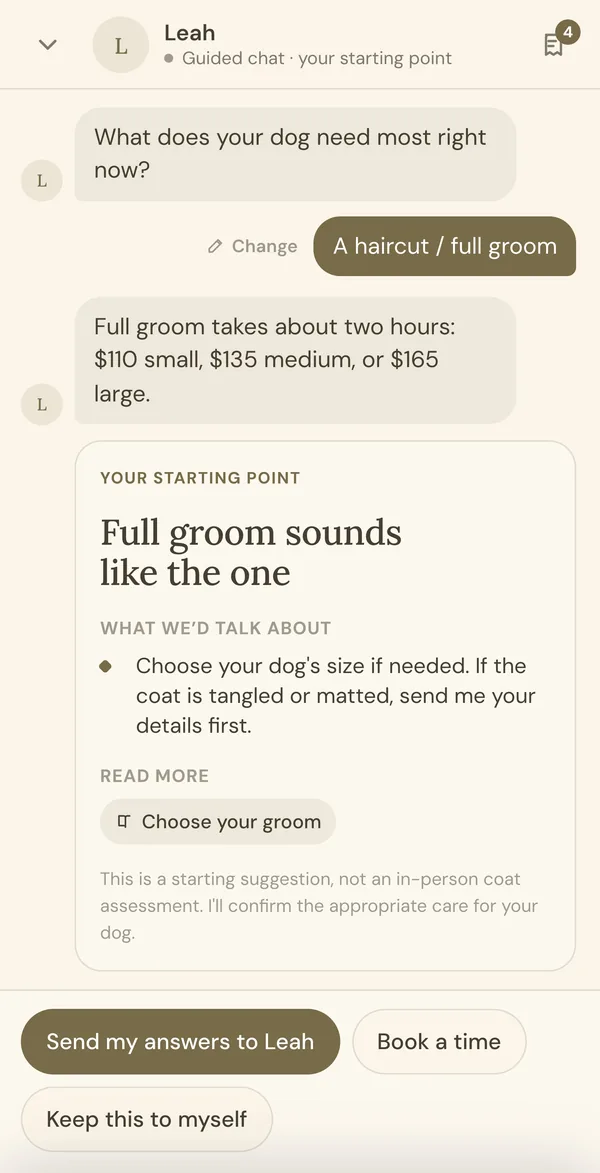
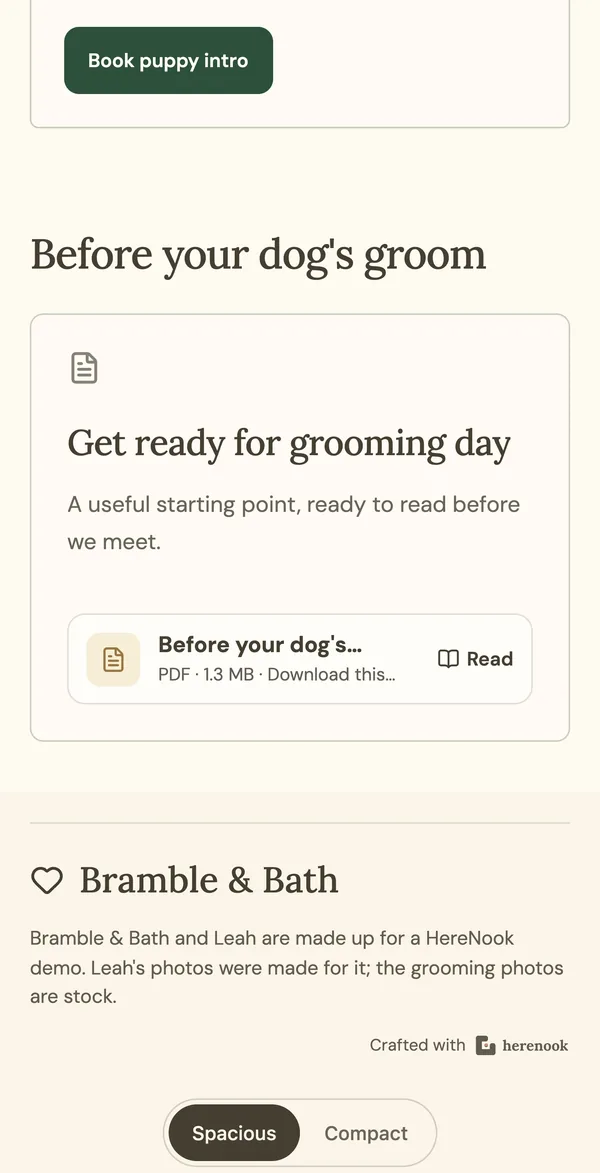
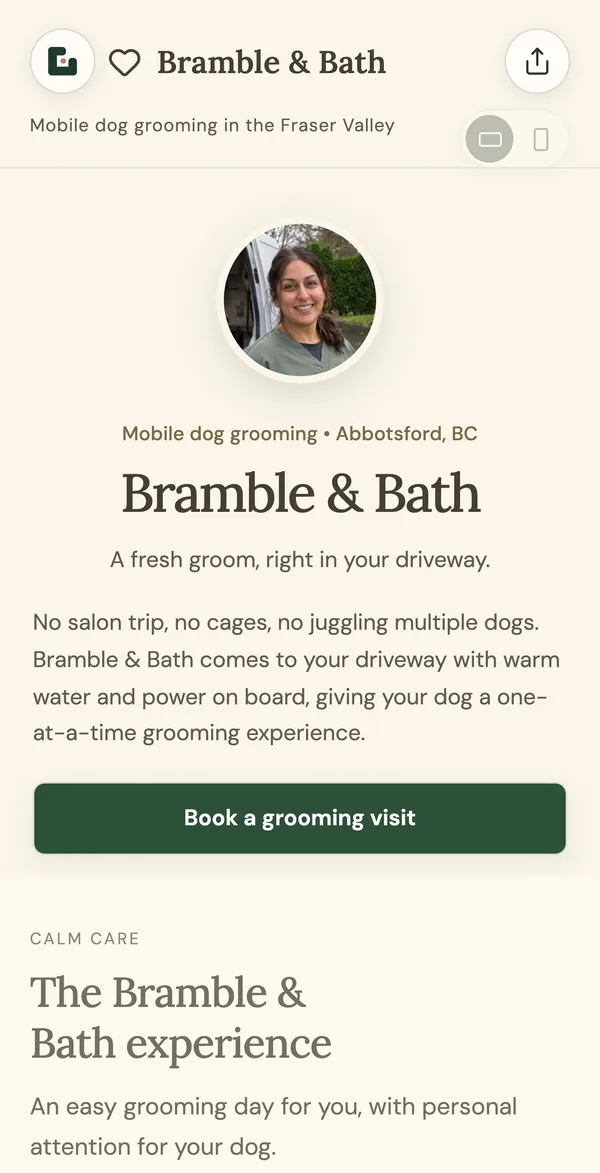
One chat.
Five messages.
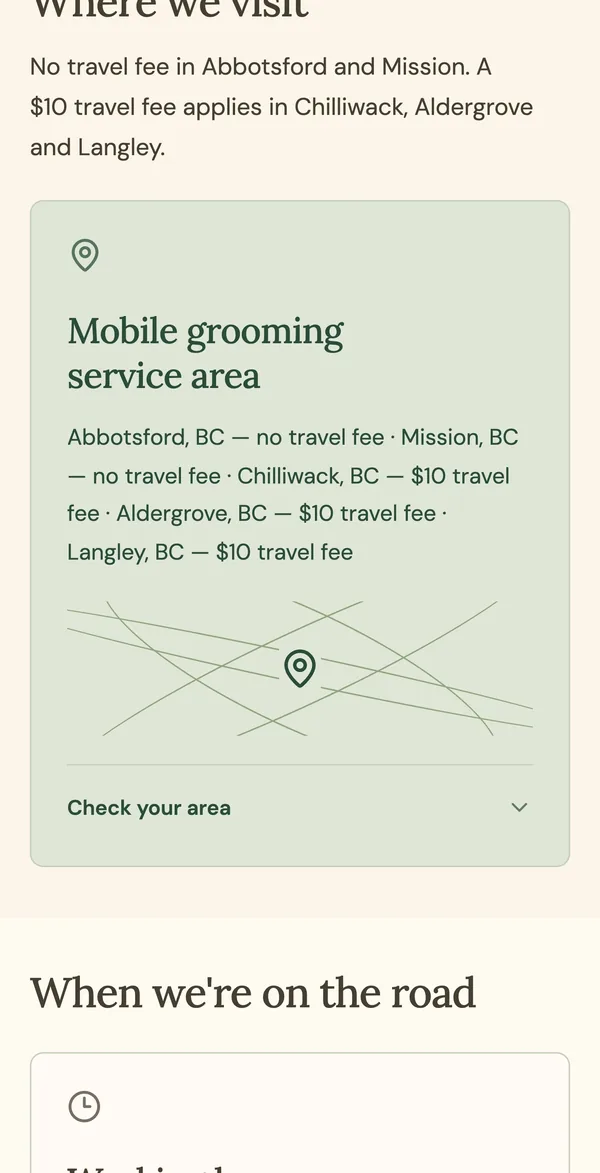
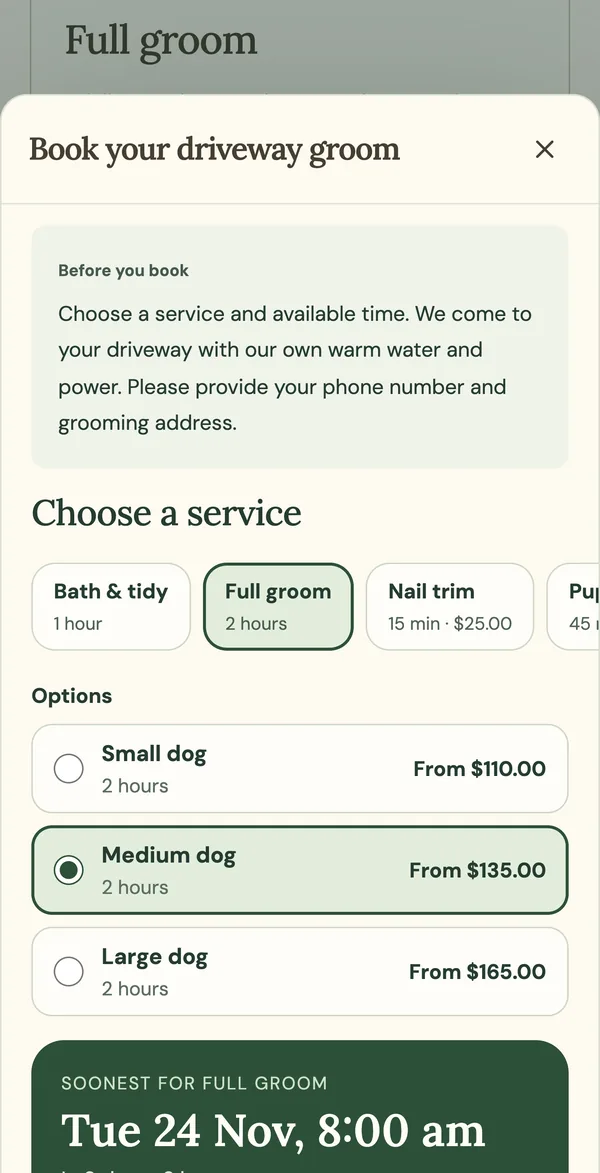
This is how Bramble & Bath’s Nook was made: prices with sizes, booking that asks for an address, a chat that picks the right groom, and a PDF to read before the visit. Step through the messages and see what each one added.
Bramble & Bath and its owner are made up for the demo. The chat and the Nook are real: open the Nook.
Watch it being done.
Then connect it.
Two real chats, from the first message to the live Nook. When you are ready, the details page has the address and what each permission allows.
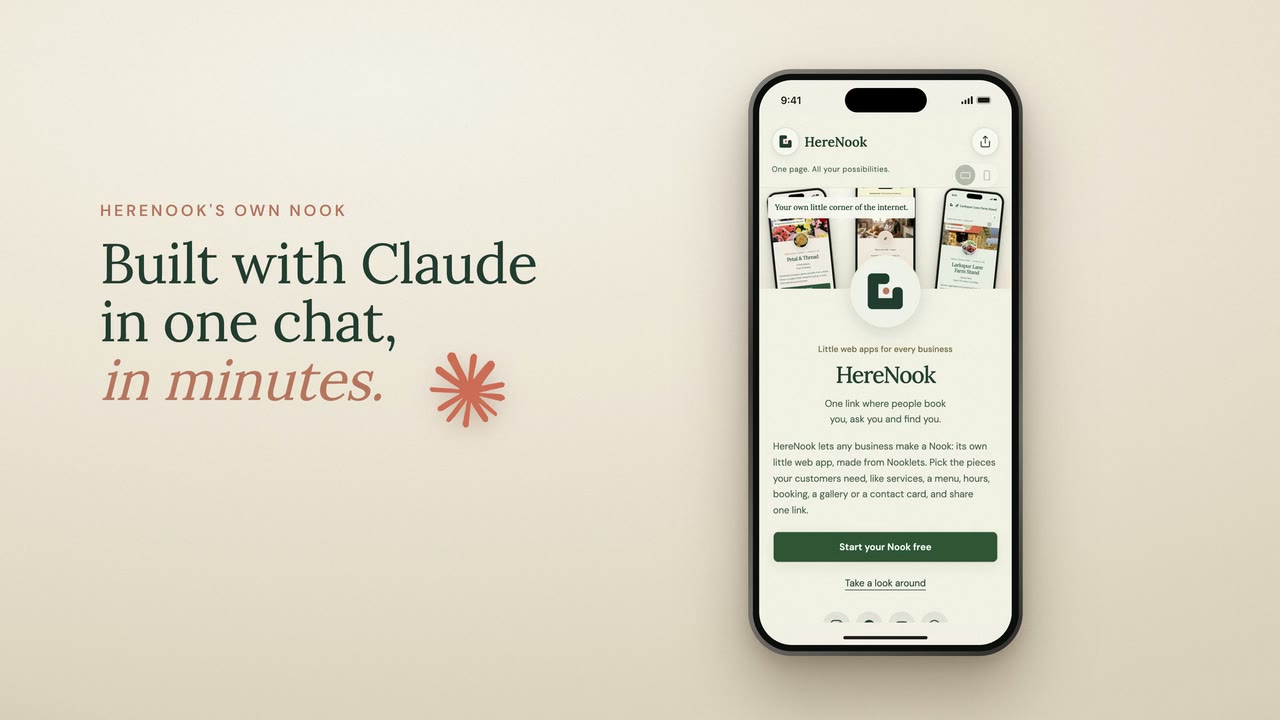 GUIDE 18 · 2:14Make your Nook with ClaudeHereNook’s own Nook, built with the plugin in one chat.Watch the film
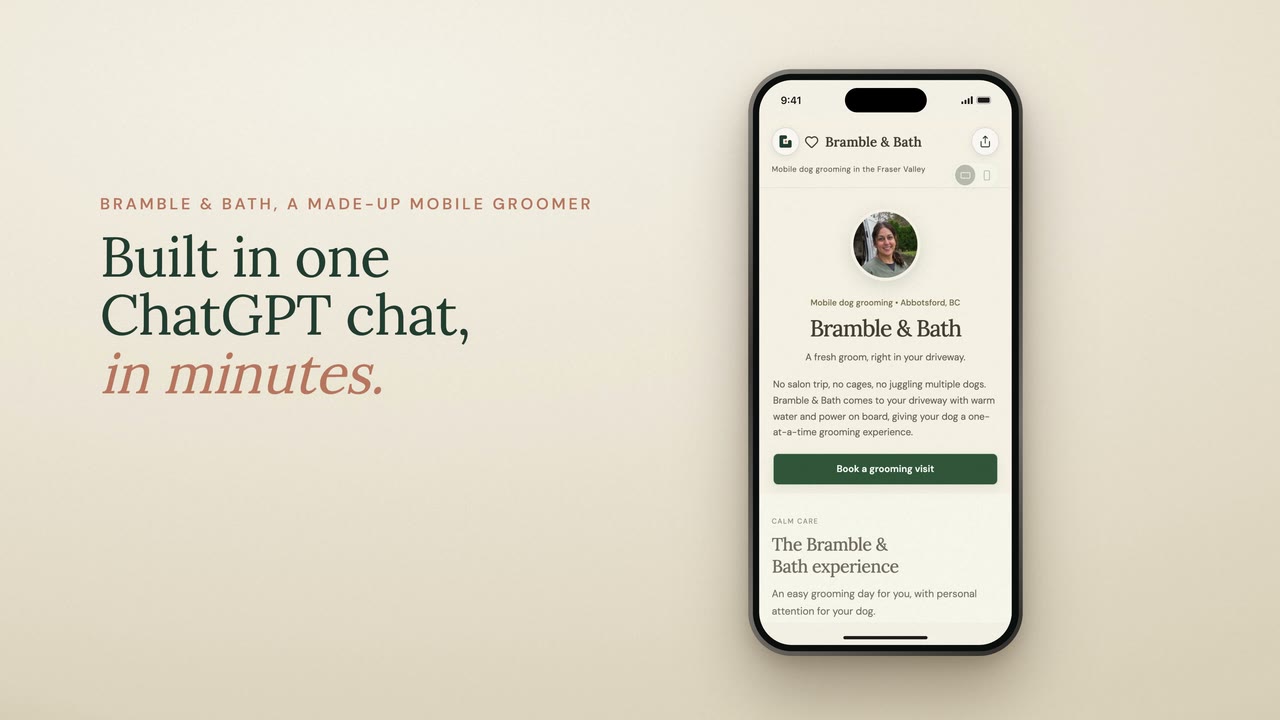 GUIDE 19 · 2:00Make your Nook with ChatGPTA mobile dog groomer’s Nook, built in five messages.Watch the filmTHE DETAILSHow it connects, and what it can changeThe address, what each permission allows, how to turn it off, and what happens to your data.Read the details