

Jane Smith
Founder & designer
Design studio
Willow & Finch Studio
Thoughtful identities for ideas with room to grow.
You build it from Nooklets: booking, a guided chat, your menu, reviews, your latest posts. People open it on any phone, with nothing to download. Share it with one link or a QR.
One free page. One free QR. No ads.
SEE IT AT WORK
Pick the Nooklets that do your work.
The same pieces make a different app for every kind of work.
A link page sends people away.
A Nook keeps them with you.
| When someone wants to | A link page | A Nook |
|---|---|---|
| Book you | A link pageSends them to another app | A NookThey book right on your Nook |
| Ask a question | A link pageSends them to your DMs | A NookA guided chat or a message, answered from your Inbox |
| Check you’re any good | A link pageHopes they find your reviews | A NookYour Google and verified reviews, right there |
| See your latest work | A link pageLinks to your profile | A NookYour top posts and videos, kept up to date for you |
| Catch this week’s special | A link pageYou go back and edit a link | A NookSet it once and it shows and hides itself |
| Find you on Google | A link pageIt’s one more link nobody searches for | A NookYour Nook can show up in search |
People pick a time and book it there and then, whenever suits them. It lands in your HereNook calendar, with their details and your next appointment ready to go.
Your work is already out there.
Help people take the next step.
What you offer, where you work and how to book. Put the answers on one page, before the messages start.
Connect your accounts once. Your most-viewed posts from the last 90 days show on your Nook and refresh every 6 hours. Tap one and it opens where you posted it.
YouTube is live now. Instagram, Facebook and TikTok are coming soon.
Add a photo and a weekend special. Set the times once, and your Nook shows what’s on while you get on with the day.
Guests see the current menu and how to find you. When the weekend ends, the special quietly comes off the page.
Claimable Offers are coming soon.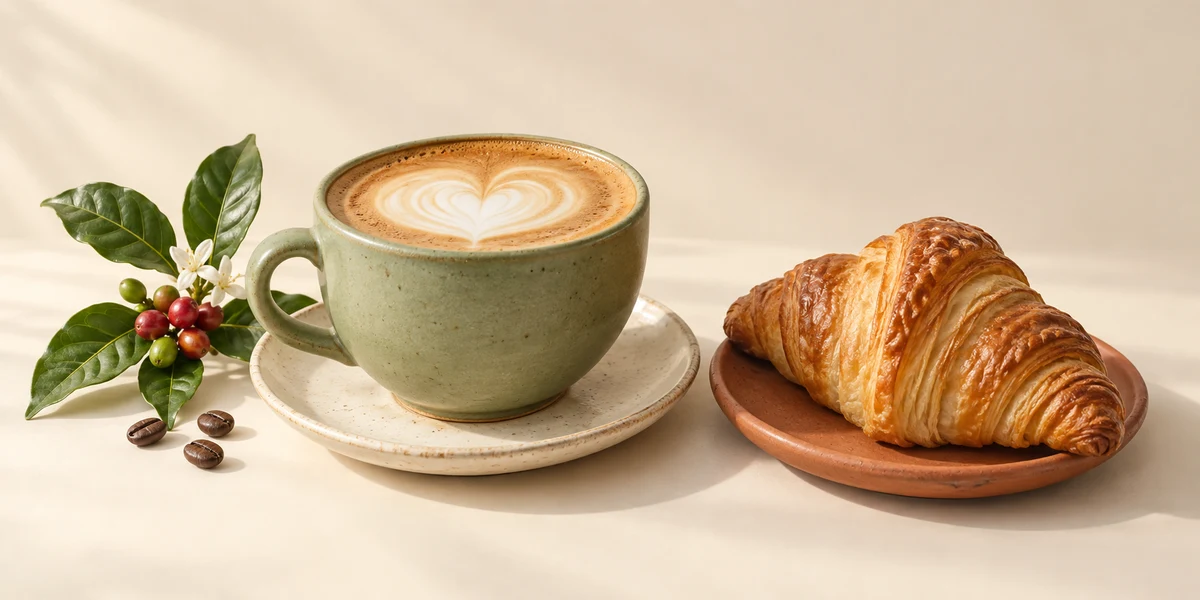 Photo added
In a message, a social bio or a group chat.
Give people somewhere to send their friends.
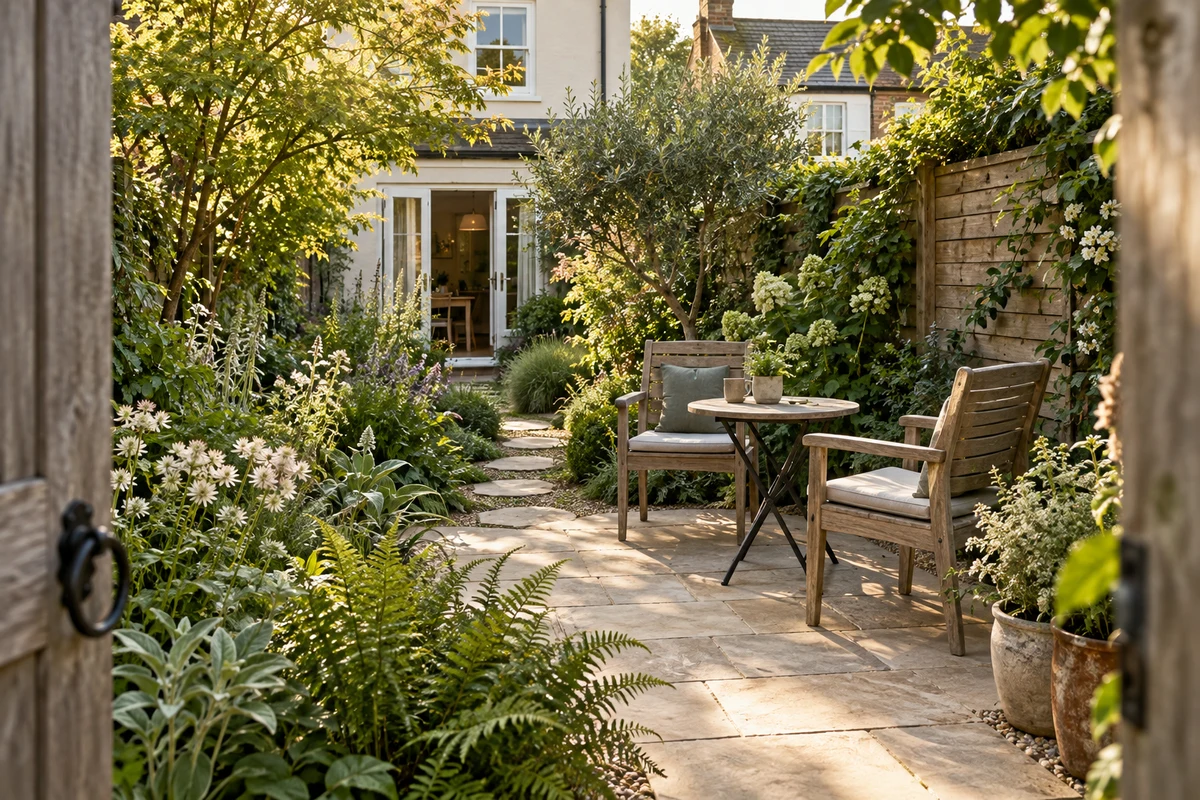
A neighbour shares your Nook. Someone sees that you work on gardens like theirs and messages you on WhatsApp, the app they already use.
See what people tap on your Nook.
Know what deserves the top spot.
People stop on his photos. His Nook shows the camera, boots and kit behind each shot.
People can browse his picks and shop where they already shop. Alex sees which links they open in his HereNook account.
Someone notices your work.
Make it easy to find the person behind it.
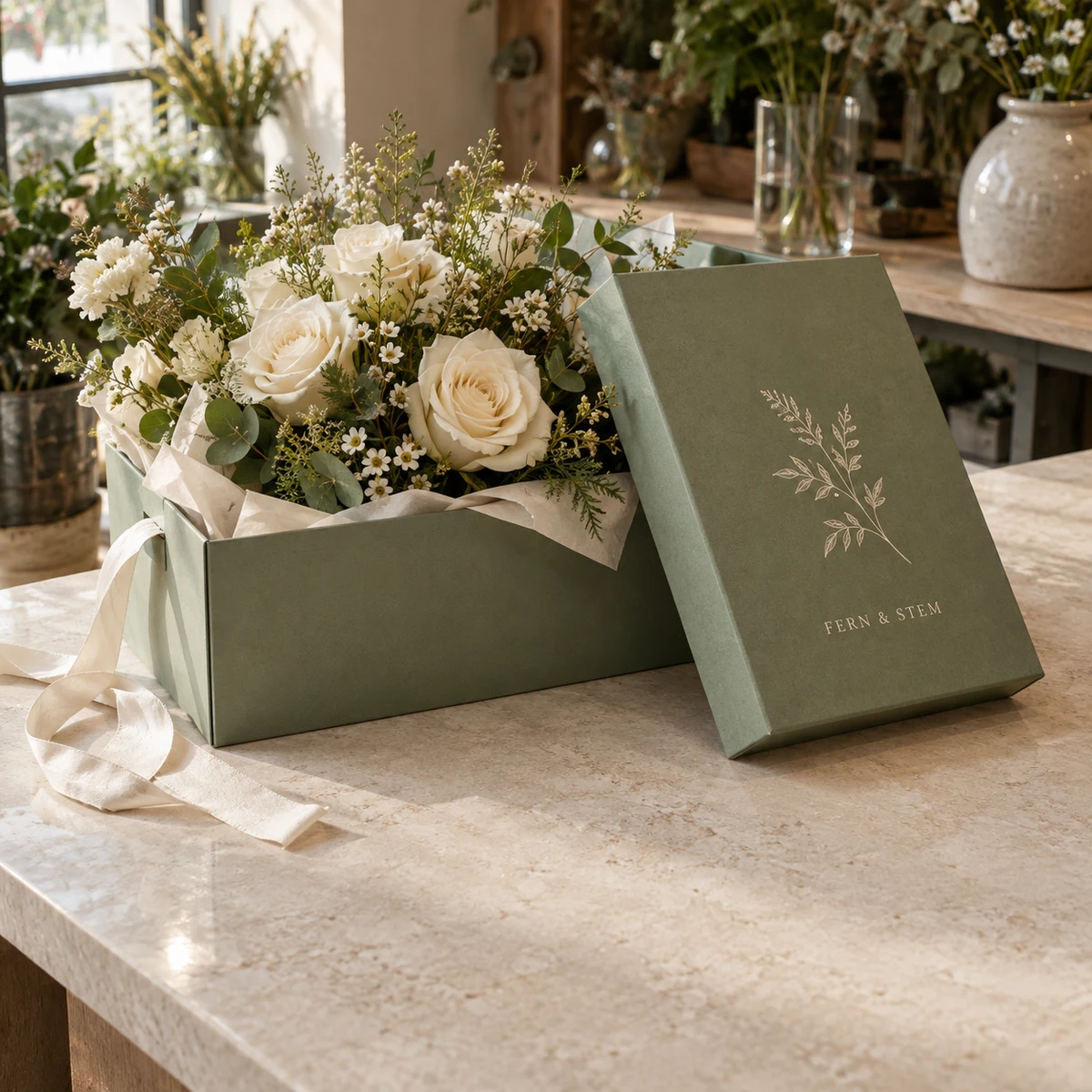
Someone admires your packaging at a flower shop and scans the code. Your Nook shows them more of your work and gives them a way to ask about their own project.
For getting your first Nook out there.
For a business that’s up and running.
Everything we make, in one plan.
A Nook is your own little web app. You build it from Nooklets: booking, a guided chat, your menu, reviews, your latest posts. People open it on any phone, with nothing to download, and you share it with one link or a QR. Many businesses won’t need a website as well. If you already have one, put it on your Nook as a link.
Anyone can make a Nook. Most are made by people who run their own business: coaches, bakers, realtors, trades and shops. If people need to find you, book you or ask you something, a Nook does that work for you.
Nooklets are the parts you add to a Nook, like Services, a Menu, a Gallery or Booking. On Free, About is always there and doesn’t count. You add up to 3 more links or Nooklets, picked from Services, Products and Gallery. The Essentials adds the rest, including Video and audio, Downloads, a message form and Guided chat. Explore Nooklets.
Yes. You need one to build and publish a Nook. You sign in with a code we email you, or with a passkey. Right now we let people in from a waiting list, so you may wait a little after you sign up.
Yes. Free gives you one published Nook with About and 3 more links or Nooklets, unlimited socials, a QR you can design and download, a contact card visitors can save, visit and scan insights, and no ads. The Essentials adds up to 10 Nooks, every standard Nooklet, the Inbox, Apple Wallet and Nooklet insights. We’ll put prices here when paid plans open.
No. A HereNook QR always opens your Nook. If you want people to reach your website too, add it to your Nook as a link.
Right away where you are, and within about 30 seconds everywhere else. If our team makes a change for you, allow up to a minute and a half. If a friend still sees the old version, it catches up on its own, so there’s nothing to do.
Yes. Pick your colours, a cover photo and fonts, and put your logo or photo in the header. For the QR, you choose its colours, a caption and a frame. The middle of the QR shows the HereNook mark, or you can leave it plain.
Yes. In the Spacious layout you can split your Nook into up to 10 pages, shown as tabs at the top. Or keep it all on one page. There’s also Compact, which keeps everything close together for quick reading on a phone, and visitors can switch between the two.
Yes. Pick an available name and share your Nook as yourname.gonook.io or gonook.io/yourname. Both open the same page. Every plan includes one name, and names follow our naming policy.
Not yet. We plan to add it to The Essentials Plus. For now, every Nook lives on gonook.io.
PNG, JPEG or WebP at 1024, 2048 or 4096 pixels, or a scalable SVG or vector PDF. Each one comes as the QR on its own, an A6 packaging insert or an A5 counter card. We check that the file scans before you download it.
Print the file you downloaded, not a screenshot of the preview. Keep strong contrast and leave clear space around the code. Then print one at the size you’ll really use and scan it with a couple of phones from where people will stand.
Not yet. They’re three separate Nooklets we’re building: a short-term offer, a coupon for one customer, and a loyalty card your staff stamp. When they launch, they’ll be paid add-ons on The Essentials and included in The Essentials Plus.
Yes, as often as you like. The QR opens your Nook’s address, so people always see the latest version and you never need to reprint. The one thing to avoid is changing or removing a named address that’s already on something printed.
No. It keeps working for as long as your Nook is published. If you unpublish or delete the Nook, or remove the named address the QR was made with, it stops working.
No. Your Nook opens in any phone browser, and most phone cameras can scan the QR. Visitors don’t need an account, even to book or send you a message.
No ads, on any plan. Every Nook shows a small HereNook mark in the top corner and a “Crafted with HereNook” line at the bottom. Taking those off will be part of The Essentials Plus, or we can build you a custom Nook without them.
Visitors can save your contact details as a contact card, with a link back to your Nook. That works on Free. On The Essentials you can also add your Nook to Apple Wallet, so your QR is ready when you meet someone.
Free shows Nook visits and QR scans over time, and where visitors came from, like Instagram, search or a QR. The Essentials adds Nooklet insights: what people open, tap, download and play. Visitor numbers are estimates. Insights don’t identify anyone, and they can’t prove a booking or a sale.
One free page. One free QR. No ads.
 Booking1
 Guided chat2
 Reviews3
 Services
 Gallery
 Service area
 Products
 Social feed
 YouTube feed
 Video4
 Contact
 Menu

 48k
 12k
 3.1k
 9.4k
 860
 22k
 5.7k
 1.2k
 48k
 8.2k
 120k
 4.4k
 38k
 9.9k
 1.1k
 61k
 7.3k
 2.8k
 120k
 2.4k
 640
 5.1k
 910
 3.3k
 1.8k
 420
 7.6k
 2.4k